
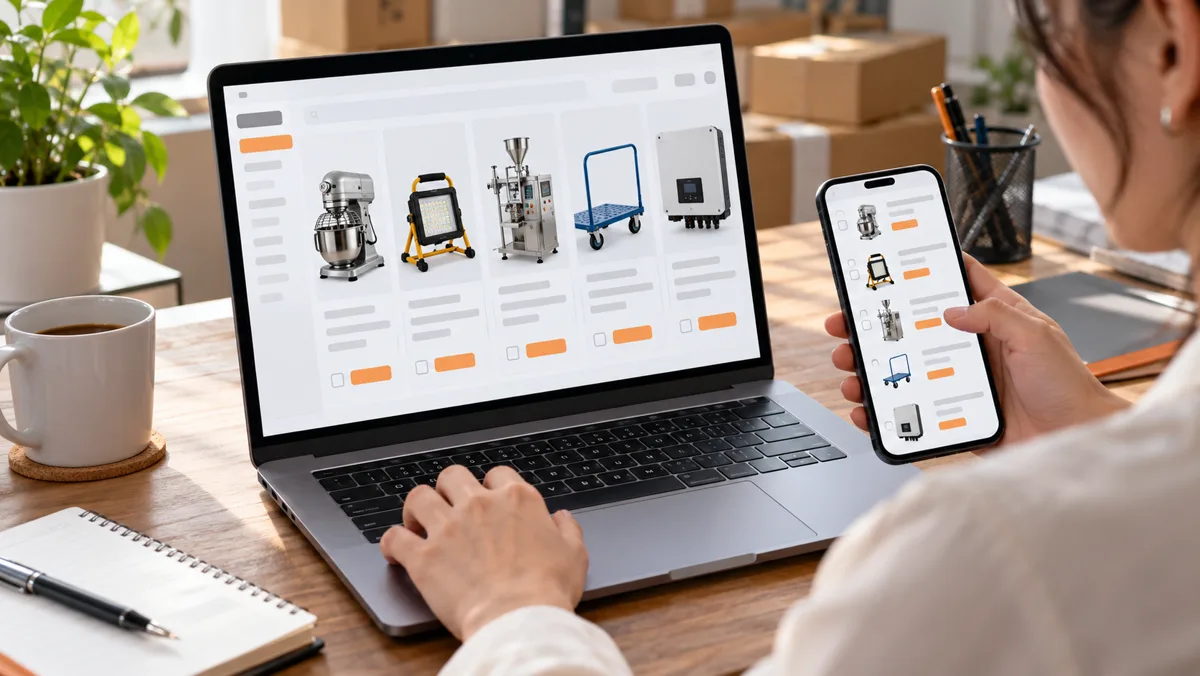
Put several products into one inquiry
The TEAM A→Z catalog lets you search for items from different suppliers, collect suitable options in one list and send a combined inquiry. The short video uses five products as an example; you can request a different number of items.
1. Open the catalog and search
Go to the TEAM A→Z catalog. Search by product name or model, or use image search if you have a reference photo. Review the title, images and available specifications in the results.
2. Add a product to your request
Open a suitable product card, check the option you need and choose the button to add it to your request. Repeat the search and add step for each additional product. Button wording follows the site language you selected.
3. Review the five-item list
Open “My request” and make sure all five products appear. Where available, enter the quantity, option and note for each item separately. If you have not chosen an option yet, explain that in the comments.
4. Add contact details and requirements
Enter your name and a working phone number or email so the manager can respond. Use the comment field for the intended use, quantity, budget, timing and key technical requirements. Check your contact details before submitting.
5. Send the inquiry and wait for follow-up
Choose the button to send the combined request. After you see the confirmation, a manager will contact you to clarify options, availability, supplier terms and next steps. Price and availability are not final until confirmed by suppliers.
Details that make a request easier to assess
- Quantity and preferred option for each product.
- Intended use and critical specifications.
- Packaging, logo, sample or configuration requirements.
- Target budget, destination country and desired timing.
TEAM A→Z projects have a **US$5,000 minimum order value for goods**. Several product lines may be considered together; each supplier MOQ and the feasibility of combining products must be confirmed. Freight and additional services are separate.
### Do I need to send a separate request for each product?
No. Add the products to one list and send a combined inquiry. Specify the quantity, option and note separately for each item.
### What if I cannot find a product in the catalog?
Try another name or model. You can also include the product description or source link in the request comments so the team can check whether it can be found.
### Where can I request delivery?
Inquiries can come from Azerbaijan and other countries. Enter your destination country in the form; routes, delivery availability and terms are confirmed for each project.
Open the catalog and collect the products in one list. You can start with restaurant equipment, packaging or industrial equipment.